

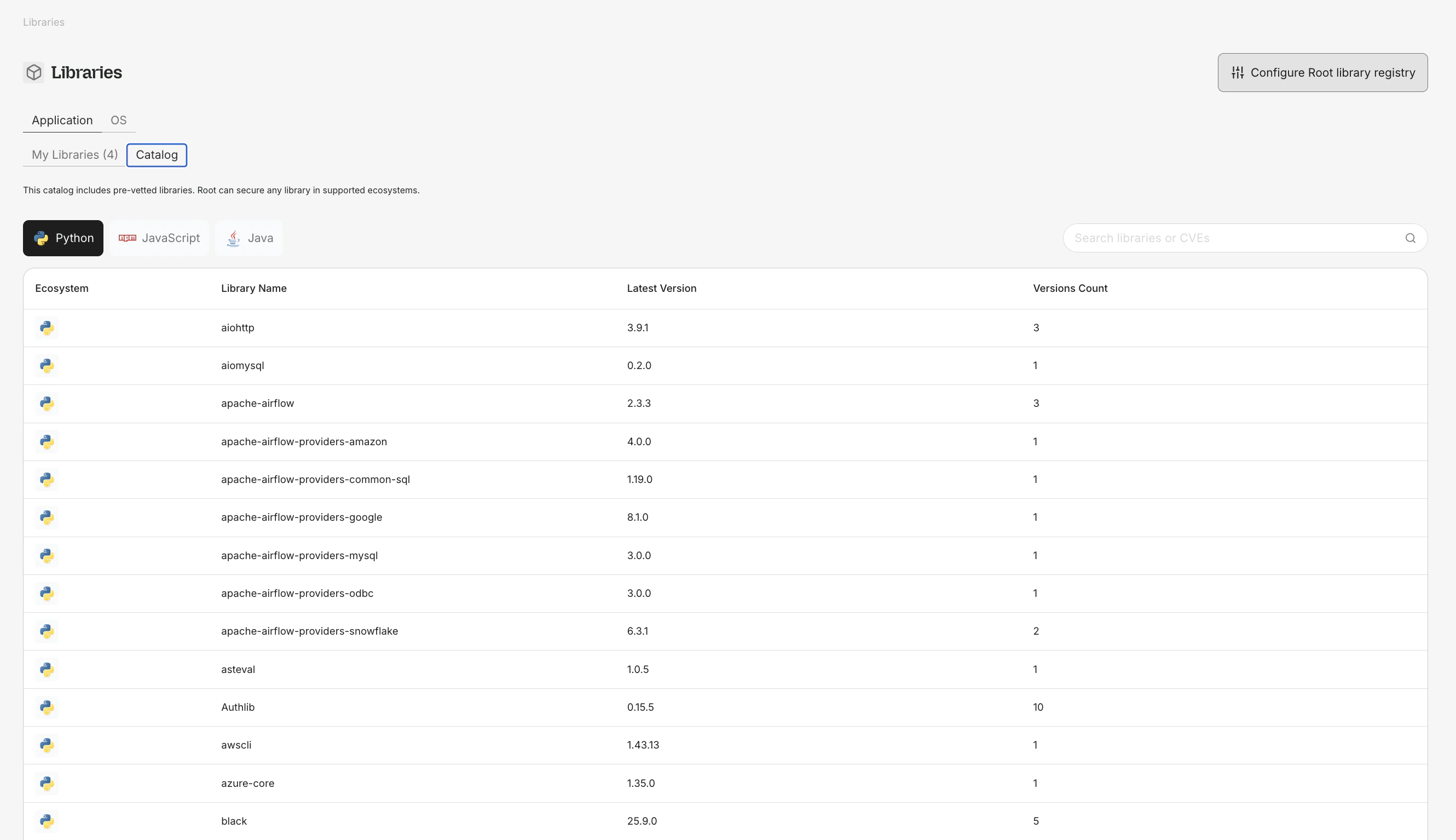
Application Library Catalog — filter by Python, JavaScript, Java, or Go, then drill into any package for versions and install commands.
Supported ecosystems
For setup instructions, see Python, JavaScript, Java, or Go.
Browsing the catalog
Filter by ecosystem
Click an ecosystem tab (Python, JavaScript, Java, Go) to filter the package list.Package details
Click any package name to open its detail page:- Available versions - all versions Root has patched, with CVE fix counts per version
- CVE summary - specific CVEs fixed in each patched version, with severity indicators
- Installation instructions - copy-paste commands tailored to each supported package manager
- Project configuration snippets - how to persist the Root-secured version in your project files (
requirements.txt,pyproject.toml,package.json,pnpm-workspace.yaml,yarn.lock)
Configure access
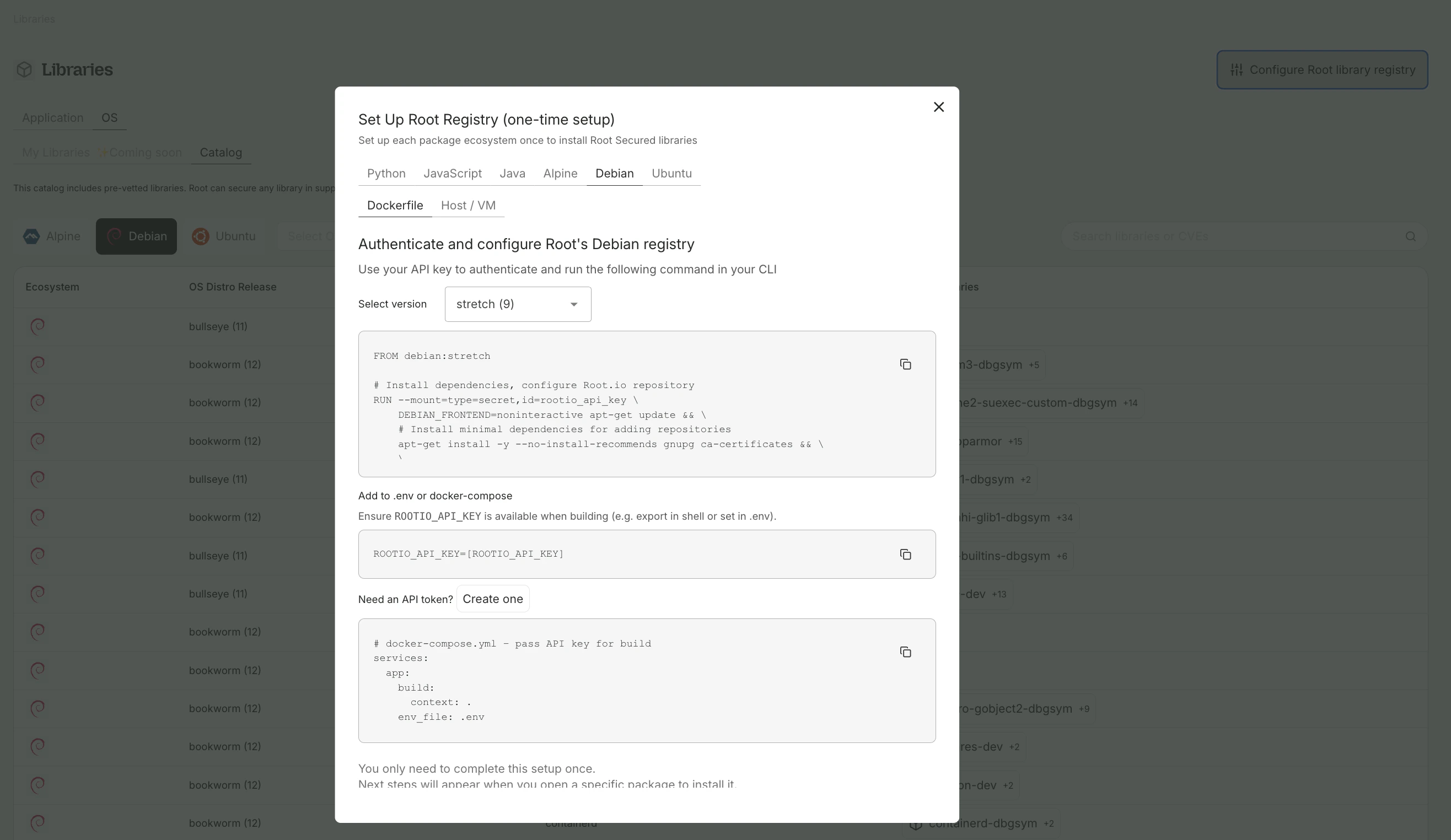
Set Up Root Registry — one-time setup per package ecosystem with copy-paste commands for your CLI.
How Root packages work
Root packages are drop-in replacements. The versioning pattern varies by ecosystem: Python — packages use a.root.io.N version suffix:
@rootio/ npm scope. You add overrides (or resolutions) to your package.json to map the original package to the Root-patched equivalent:
pkg.root.io/maven/. Configure your settings.xml or build.gradle to resolve through Root’s registry.
Go — modules are served through the GOPROXY protocol at pkg.root.io/gobinary. Patched modules keep the same version with a -rootio.N suffix and are consumed via replace directives in go.mod:
Root patches the version you are already running. No major or minor version upgrades required. Root backports security fixes into your pinned version.
Package statuses
What gets patched
Root focuses on Critical and High severity CVEs. Medium and Low are tracked but not shown in the primary catalog view. Every patched package includes:- SBOM - Software Bill of Materials
- VEX statement - documenting what was fixed
- Provenance attestation - SLSA provenance proving the package was built by Root